
Step-by-Step Guide: How to Wire a Genie Garage Door Opener for Smooth Operation
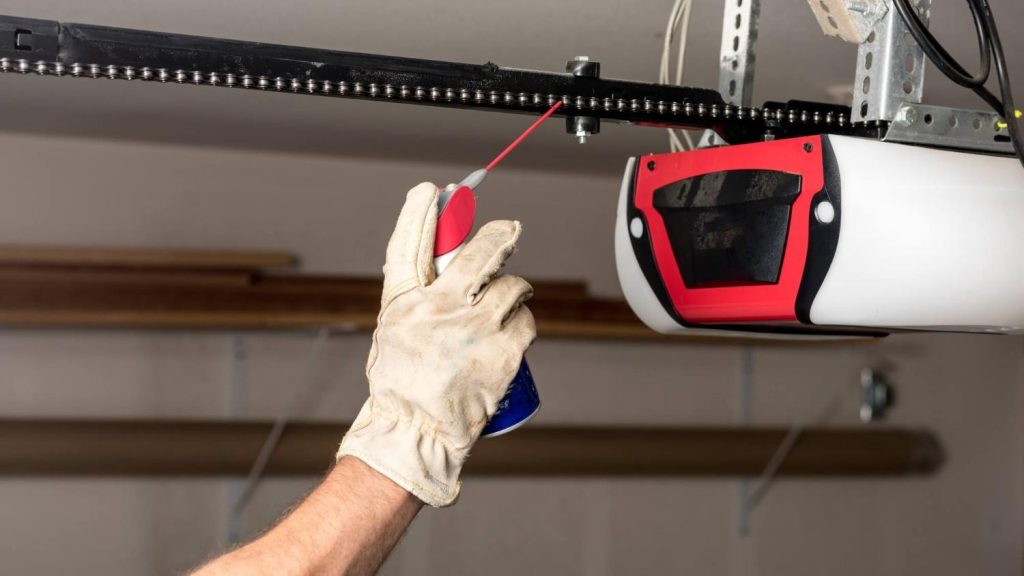
Properly wiring a Genie garage door opener ensures smooth and reliable operation, whether you're a DIY enthusiast or a homeowner looking to save on installation costs. Genie openers are known for their reliability and advanced features, but wiring them correctly is essential to maximize their performance and safety. This guide will walk you through how to wire a Genie garage door opener with detailed, easy-to-follow instructions.
If you encounter issues during installation, Mountain View Doors is here to help with professional garage door opener repair and installation services. Contact us at (720) 851-8094 for expert support.
Introduction to Wiring a Genie Garage Door Opener
Before starting, ensure you have the necessary tools, including a screwdriver, ladder, and the installation manual for your specific Genie model. Wiring a Genie opener involves connecting the power supply, wall console, safety sensors, and motor unit. These connections are critical for seamless operation and safety.
Whether you’re installing a chain drive opener or a belt drive opener, the process generally follows similar steps. Here’s everything you need to know about how to wire a Genie garage door opener and ensure it’s functioning correctly.
Step 1: Preparing for Installation
Tools and Materials Needed
- Screwdrivers (Phillips and flathead)
- Wire strippers
- Drill with bits (for mounting)
- Genie garage door opener kit
- Safety glasses and gloves
Safety First
Before you start, disconnect the power to the garage door system to avoid electrical hazards. Confirm that all components in the Genie opener kit are present, including the wall console, safety sensors, and wiring.
Locate the Mounting Area
Mark the mounting location for the opener unit based on the manual’s instructions. Ensure the unit is parallel to the garage door track and has sufficient clearance for the chain or belt drive.
Step 2: Wiring the Power Supply
Identifying the Wires
Genie garage door openers typically include three wires:
- White wire: Neutral connection
- Black wire: Power supply
- Green wire: Ground
Connecting the Power
- Strip the ends of the wires, ensuring about 1/2 inch of exposed copper.
- Attach the white wire to the neutral terminal on the power supply.
- Connect the black wire to the live terminal.
- Secure the green wire to the ground terminal.
Use the diagram provided in your Genie installation manual to confirm connections. Ensure all terminals are tight and secure to prevent loose connections.
Step 3: Connecting the Wall Console
Installing the Wall Console
The Genie wall console provides easy control over the opener system. Follow these steps to wire it:
- Run the Wires: Route the wires from the wall console to the motor unit along the ceiling or wall.
- Attach to Terminals: Use the two terminals labeled "Wall Console" on the motor unit to connect the wires.
- Secure the Console: Mount the console on the wall at a convenient height using screws and anchors provided.
This setup allows you to program the garage door opener easily after completing the installation.
Read More: How to Choose the Correct Garage Door Size
Step 4: Wiring the Safety Sensors
Your garage door safety sensors prevent the door from closing if there is an obstruction. Wiring them correctly is crucial for safe operation.
Steps to Connect Safety Sensors
- Position the Sensors: Install the sensors on either side of the garage door track, ensuring they’re aligned.
- Run the Wires: Route the sensor wires along the track to the motor unit.
- Connect to Terminals: Attach the sensor wires to the terminals labeled "Safety Sensors" on the motor unit.
Use the provided installation manual or diagrams for proper alignment. Test the sensors by waving an object in the sensor’s path while the door is closing—it should reverse immediately.
Step 5: Testing the System
Final Connections
Once all components are wired, reconnect the power supply to test the opener system.
Testing Steps
- Check the Wall Console: Press the button on the wall console to ensure the door opens and closes smoothly.
- Test the Remote: Use the remote control to operate the door and confirm the opener responds.
- Verify Safety Features: Ensure the safety sensors reverse the door when obstructed.
If the opener doesn’t function as expected, double-check the wiring connections and refer to the troubleshooting section in the Genie manual.
FAQs About Wiring a Genie Garage Door Opener
How Many Wires for Garage Door Opener Connections?
A typical Genie opener requires three wires for the power supply, two for the wall console, and two for the safety sensors.
How to Connect Wires to Garage Door Opener?
Use the labeled terminals on the motor unit to attach wires. Refer to the wiring diagram in the manual for accurate connections.
How Does a Wired Garage Door Opener Work?
The opener system uses electrical connections to power the motor, control the door’s movement, and activate safety features. Proper wiring ensures all components function seamlessly.
How to Connect a Genie Garage Door Opener?
Follow the step-by-step guide above to wire and connect your Genie opener. If you need help, consult installation videos or contact a professional service.
Why Choose Mountain View Doors?
If you encounter challenges during installation or prefer professional assistance, Mountain View Doors offers expert garage door opener repair and installation services. Our team has years of experience working with Genie products, ensuring a smooth and safe setup.
Many homeowners upgrading to smart garage door systems are also exploring how solar energy works to power their openers and improve home energy efficiency. Choosing energy-conscious options can support both convenience and sustainability in the long run.
Benefits of Working with Us
- Reliable and affordable service
- Expertise in residential and commercial garage doors
- Friendly customer support
Wiring a Genie garage door opener can seem daunting, but with the right tools and guidance, it’s a manageable DIY project. However, if you prefer professional help or face any issues, contact Mountain View Doors at (720) 851-8094. Let our team handle the job so you can enjoy a smoothly operating garage door without hassle.
By following this guide, you’ll ensure your Genie opener is wired correctly for reliable performance. Remember, for garage door opener repair or expert support on how to program a garage door opener, Mountain View Doors is just a call away!
We offer durable Genie openers, premium C.H.I. garage doors, and various other products to local homeowners. Give our experts a call at (720) 851-8094 to receive assistance.


